

Plan the key moments
Give the model visual checkpoints: the opening, an important action and the final frame.
Turn text and images into cinematic AI videos with Kling.
Create product stories, social clips and visual ideas with simple prompts.
Kling 4.0 access is not enabled yet. Explore the Kling 3.0 studio preview.
Explore Kling video examplesKling4.tv · Text to video & image to video, in one creative workspace.
MORE CONTROL, CLEARER STORIES
Move from describing a scene to directing it. Explore what the announced model capabilities mean for your next video.
Give the model visual checkpoints: the opening, an important action and the final frame.

Describe a push-in, tracking shot or orbit so movement supports the scene you have in mind.

Use reference images and videos to guide a character, product, setting or style.

The official model brings dialogue, ambience and stereo audio into the video workflow.
THE MODEL, EXPLAINED
Kling 4.0 is Kling AI’s video model for turning prompts and visual references into moving scenes. It introduces more detailed reference controls, longer clips and tools for shaping the order of a story.
Think of it as a way to sketch a shot with words and pictures. You describe what should happen, review the result and refine the parts that need more direction.
Explore Kling 4.0 features
Keep the same simple creation flow. Choose the starting point that fits your idea.

Start without a source image. Describe the scene, one main action and how the camera should move.
Explore the workflowAnimate a portrait, product photograph or illustration with a focused motion prompt.
Explore the workflowUse references to explain what should stay consistent and what should change.
Explore the workflowReal official demos, with a guide to what you are seeing.
 Watch example
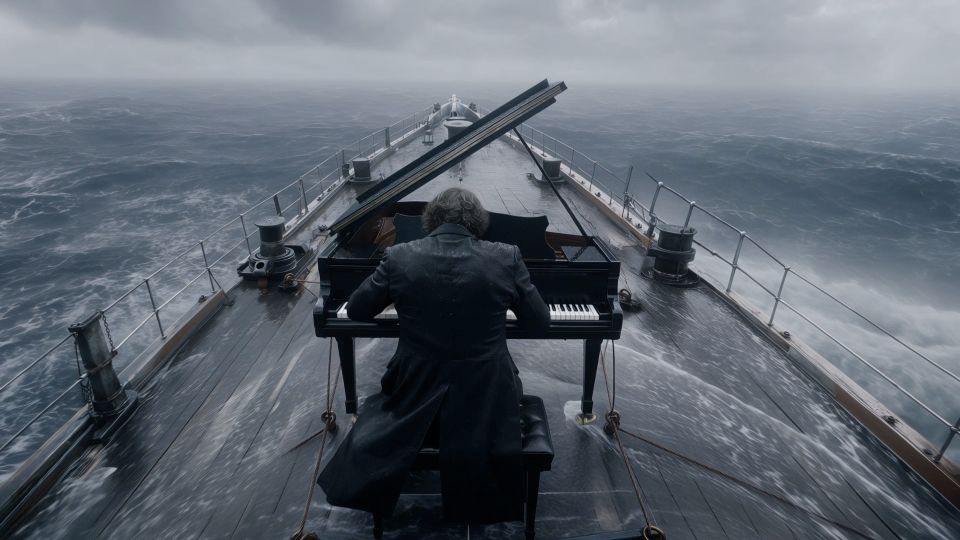
 Kling 4.0Official demo
Look at the relationship between the moving ship, the performer and the changing shot sizes.
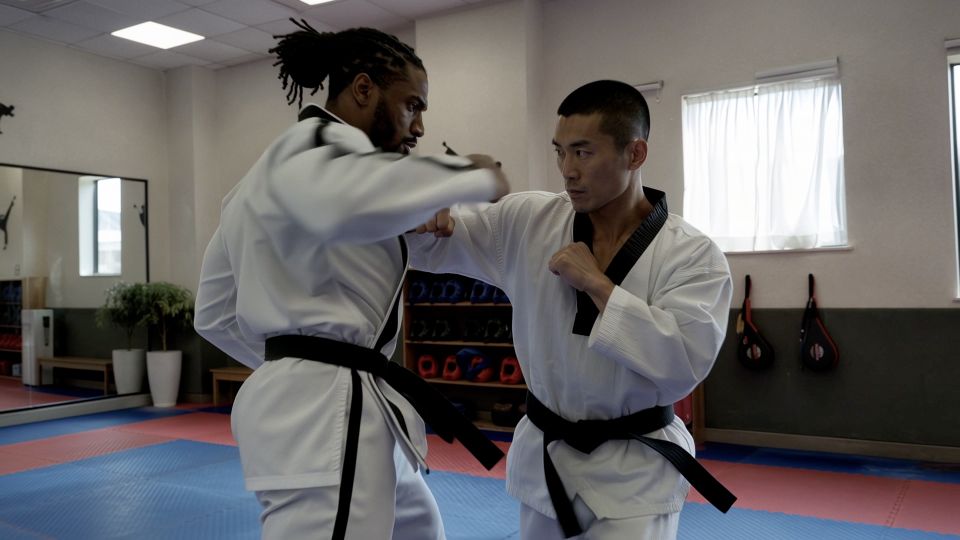 Watch exampleKling 4.0Official demo
Watch how the camera follows the action while keeping the two performers readable.
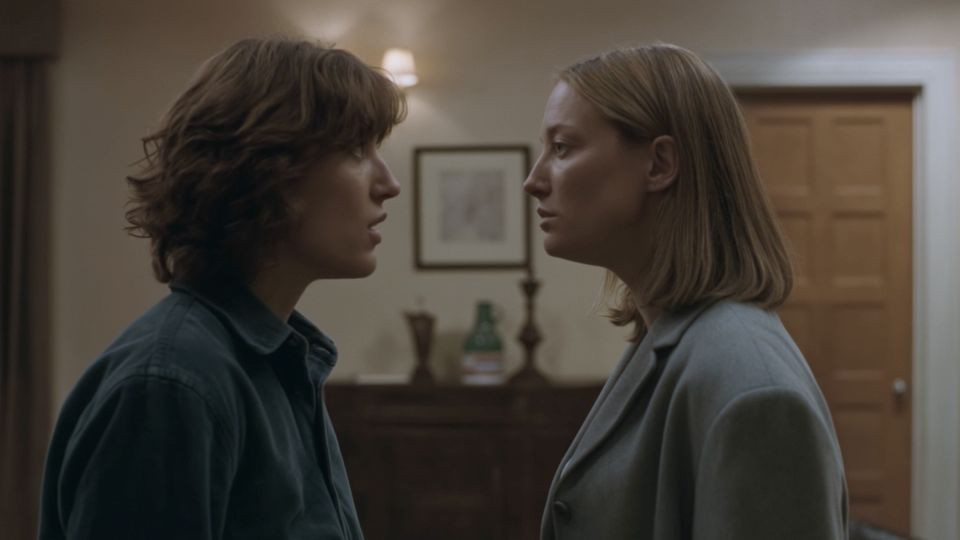 Watch exampleKling 4.0Official demo
Notice the face, light and body language in a quiet character scene.
Explore a reveal, light change or camera move around a product. Inspect labels, shape and fine details before using the output.
Focus on one visual hook. Use a vertical frame when the connected model supports it, and keep your subject inside the safe area.
Break a larger idea into clear shots. Use visual references and key moments to keep the viewer oriented.
Write a scene or upload an image you have permission to use.
Check the actual model version, aspect ratio and duration.
Look for unwanted cuts, changing details and inconsistent movement.
Adjust the prompt or source image and compare your next version.
Official specifications are a useful starting point. The selected integration determines what a website can actually expose.
| Capability | Kling 4.0 | Kling 4.0 Flash |
|---|---|---|
| Video length | 3–30 seconds | 3–20 seconds |
| Resolution | 720p, 1080p and 4K | 720p |
| Starting point | Text, images, first/last frames, keyframes and references | Text, first-frame image and Omni references |
| Story control | Up to 10 keyframe images | Check the specific Flash interface |
| Dynamic range | 8-bit SDR; 10-bit HDR announced as coming soon | 8-bit SDR |
| Access on Kling4.tv | Not enabled yet | Not enabled yet |
Model specifications: Kling AI’s official 4.0 release notes. Reviewed October 1, 2026. Model specifications and access on Kling4.tv are separate.

Kling4 is a common shorthand for Kling 4.0. This independent website combines model information, example analysis and a video creation interface.
No. Kling4.tv is an independent site for model information, tutorials and a planned Kling creation workspace. The model is developed by Kling AI, part of Kuaishou.
Kling 4.0 generation is not enabled on Kling4.tv yet. The initial connection is planned for KIE’s Kling 3.0 API. Generation is available only when the connected model and account services are enabled.
An allowance and usage limits have not been announced. Payments are not enabled for this release. We do not promise unlimited free generation.
The three examples shown here come from Kling AI’s official Kling 4.0 announcement. They demonstrate the model, not outputs from this website. Any suggested prompts are our own starting points, not the original demo prompts.
Write a scene or bring an image. Explore the studio and choose the workflow that fits.
Open the video studio